Implementing FreeRTOS Tasks and Message Queues for STM32F4 Microcontroller to Manage Temperature Sensor Data Logging
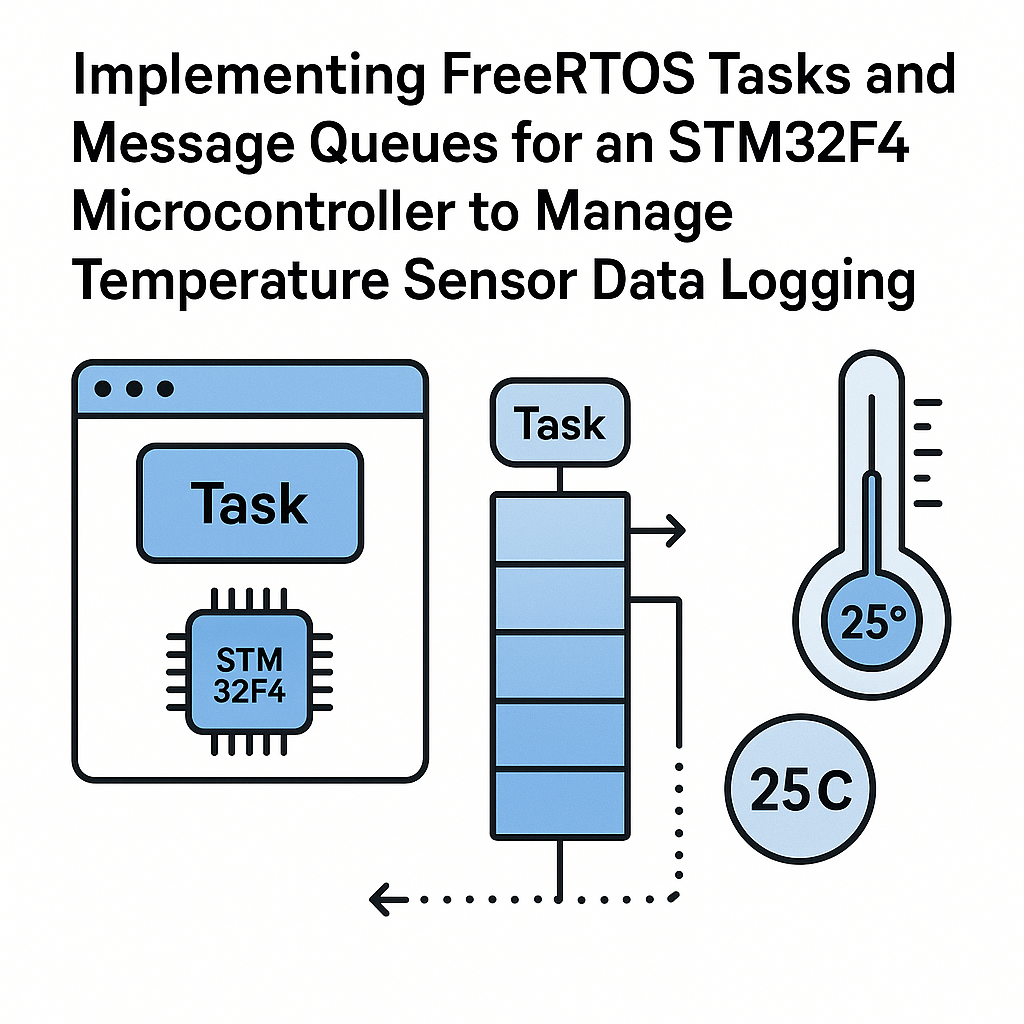
This tutorial will guide you through the process of implementing FreeRTOS tasks and message queues to manage data logging from a temperature sensor on an STM32F4 microcontroller. We will cover prerequisites, necessary parts and tools, detailed steps for implementation, troubleshooting tips, and a brief conclusion.
Prerequisites
- Basic knowledge of C programming
- Familiarity with STM32 microcontroller family
- Understanding of FreeRTOS concepts
- Development environment set up (e.g., STM32CubeIDE)
- Temperature sensor (e.g., LM35)
Parts/Tools
- STM32F4 microcontroller board
- Temperature sensor (e.g., LM35)
- Jumper wires
- STM32CubeIDE
- USB to UART converter (for debugging)
Steps
- Set Up the Development Environment
- Install STM32CubeIDE from the STMicroelectronics website.
- Create a new STM32 project for the STM32F4 microcontroller.
- Configure FreeRTOS
- In STM32CubeMX, enable FreeRTOS under the Middleware section.
- Set the priority levels for tasks as needed.
- Generate the code and open the project in STM32CubeIDE.
- Write the Temperature Sensor Driver
- Include necessary headers for your temperature sensor.
- Implement a function to read data from the sensor:
void Read_Temperature(float *temperature) { // Code to read temperature from LM35 // Assume it returns the temperature in Celsius *temperature = /* read from ADC */; } - Create FreeRTOS Tasks
- Define a task for reading temperature data:
void TemperatureTask(void *pvParameters) { float temperature; while(1) { Read_Temperature(&temperature); // Send temperature to the queue xQueueSend(temperatureQueue, &temperature, portMAX_DELAY); vTaskDelay(pdMS_TO_TICKS(1000)); // Read every second } } - Define a task for logging temperature data:
- Create Message Queue
- Declare a queue handle globally:
QueueHandle_t temperatureQueue; - In the main function, create the queue:
- Start the Scheduler
- In the main function, create the tasks:
xTaskCreate(TemperatureTask, "TempTask", 100, NULL, 1, NULL); xTaskCreate(LoggerTask, "LoggerTask", 100, NULL, 1, NULL); - Start the FreeRTOS scheduler:
void LoggerTask(void *pvParameters) {
    float temperature;
    while(1) {
        if(xQueueReceive(temperatureQueue, &temperature, portMAX_DELAY) == pdTRUE) {
            // Log temperature to a file or UART
        }
    }
}
temperatureQueue = xQueueCreate(10, sizeof(float)); // 10 items of float type
vTaskStartScheduler();
Troubleshooting
- Task Not Running:
- Check if the stack size is sufficient for the task.
- Verify task priorities and ensure they are not being blocked by higher-priority tasks.
- Temperature Readings Incorrect:
- Check sensor connections and ensure proper calibration.
- Validate ADC configuration settings in STM32CubeMX.
- Queue Not Sending/Receiving:
- Ensure that the queue is created successfully before sending/receiving data.
- Check for proper queue length and item size.
Conclusion
In this tutorial, you learned how to implement FreeRTOS tasks and message queues on an STM32F4 microcontroller to manage temperature sensor data logging. By following these steps, you can efficiently read and log temperature data using FreeRTOS, enhancing your microcontroller applications with real-time capabilities.